In Microsoft Word, Excel or PowerPoint, go to the dox42 ribbon and select Data Map.

dox42 ribbon
The Data Map Designer window opens.
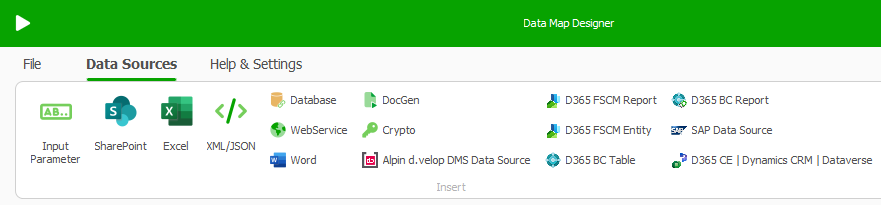
Select SharePoint.
In tab Data Source(DS)
Give the new DS a name.
Enter the Site you want to connect to.
Select your preferred authentication type.
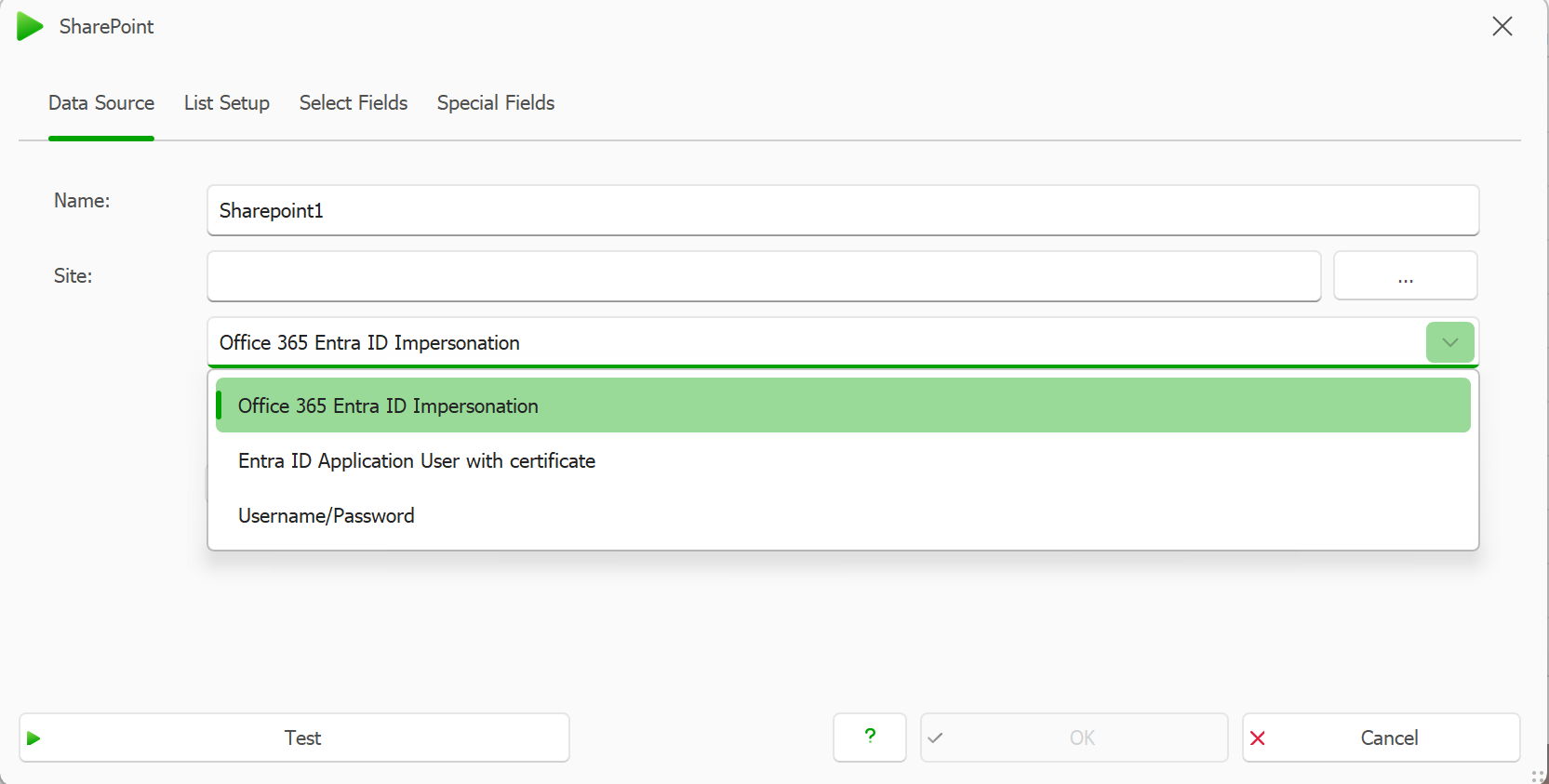
Based on your selection, see below steps.
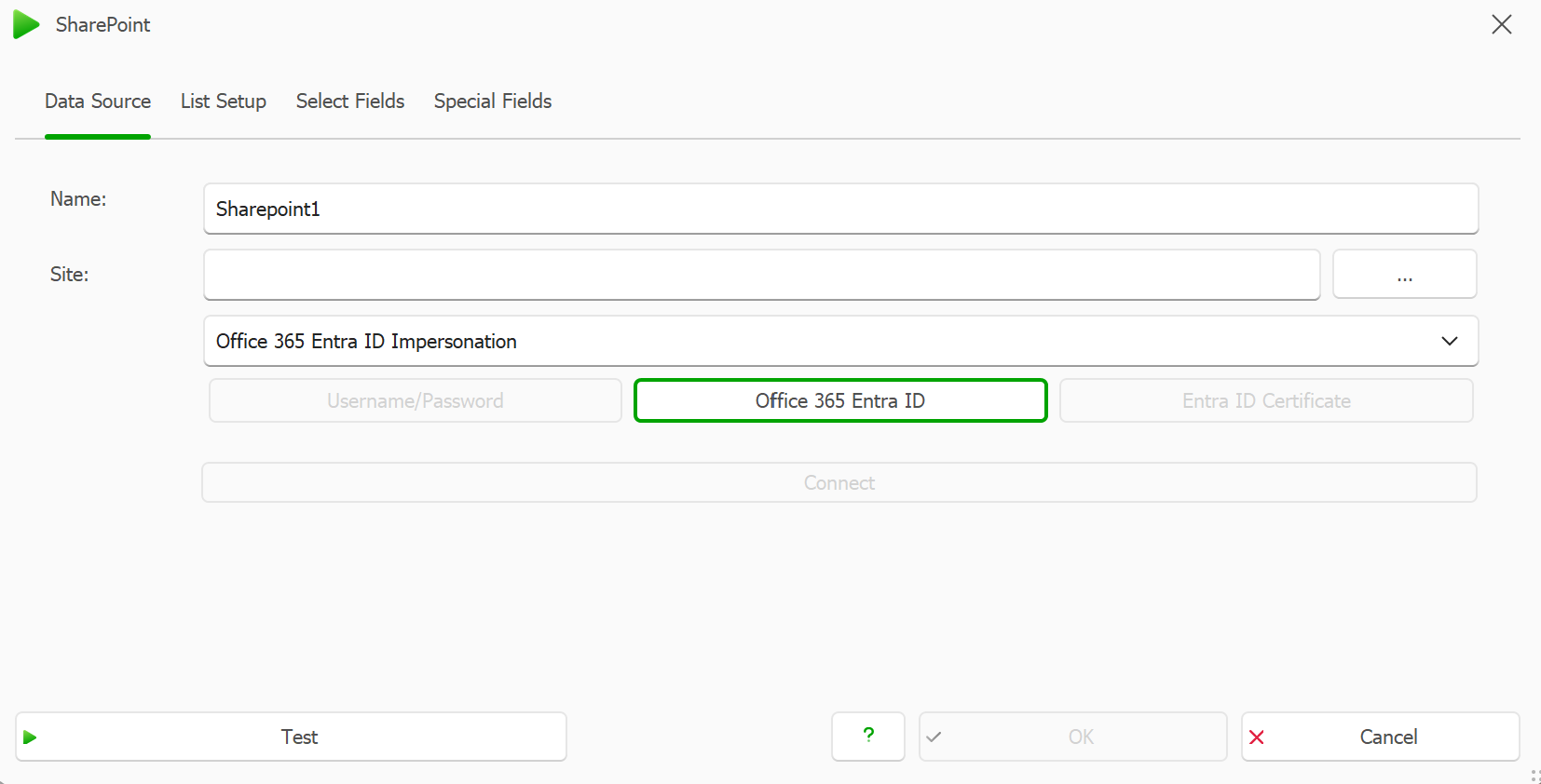
Using Entra ID Impersonation
Select Office365 Entra ID Impersonation
Click on Office365 Entra ID
Enter your tenant and Entra ID App Registration details
.png)
To centrally manage your Entra tenants and simplify tenant setup, you may use another connected excel data source. See: Using a Microsoft Excel config file for the Add-in’s Entra ID configuration (recommended)
Connect and Test your new data source.
Using an Application User with Certificate
Instead of Entra ID impersonation, you can also connect to your SP data sources with an application user and a certificate that have been added to Entra ID
You need to prior upload the certificate to your Entra ID app registration and password protect it.
Select Entra ID Application User with certificate in the Dropdown
Select the Entra ID Certificate button.
Enter your App ID and Tenant ID.
Select Import certificate.
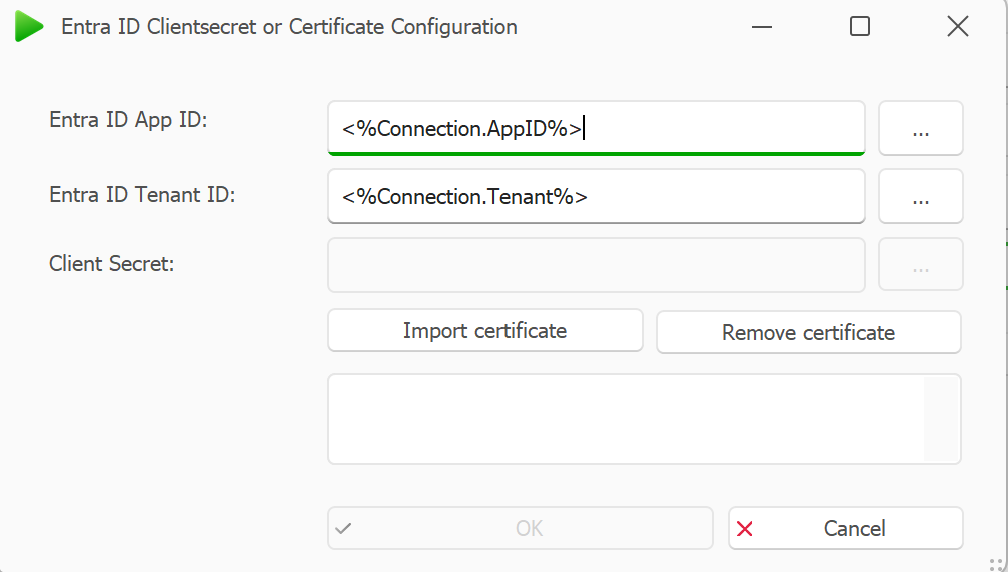
AzureAD Client Secret or Certificate Configuration window
Select OK.
Result
You can now connect to your SharePoint Online data sources.