We recommend you to make/change settings and test integration scenarios in the test D365 FSCM environment before running the integration in the productive D365 FSCM environment. To transfer settings from the test environment to the productive environment, there is a special functionality available.
Steps
Go to System administration > Periodic tasks > dox42 integration framework > Export dox42 integration data.
In the dialog you can choose what kind of settings you would like to export. You can also set up a filter for the configurations to be exported.
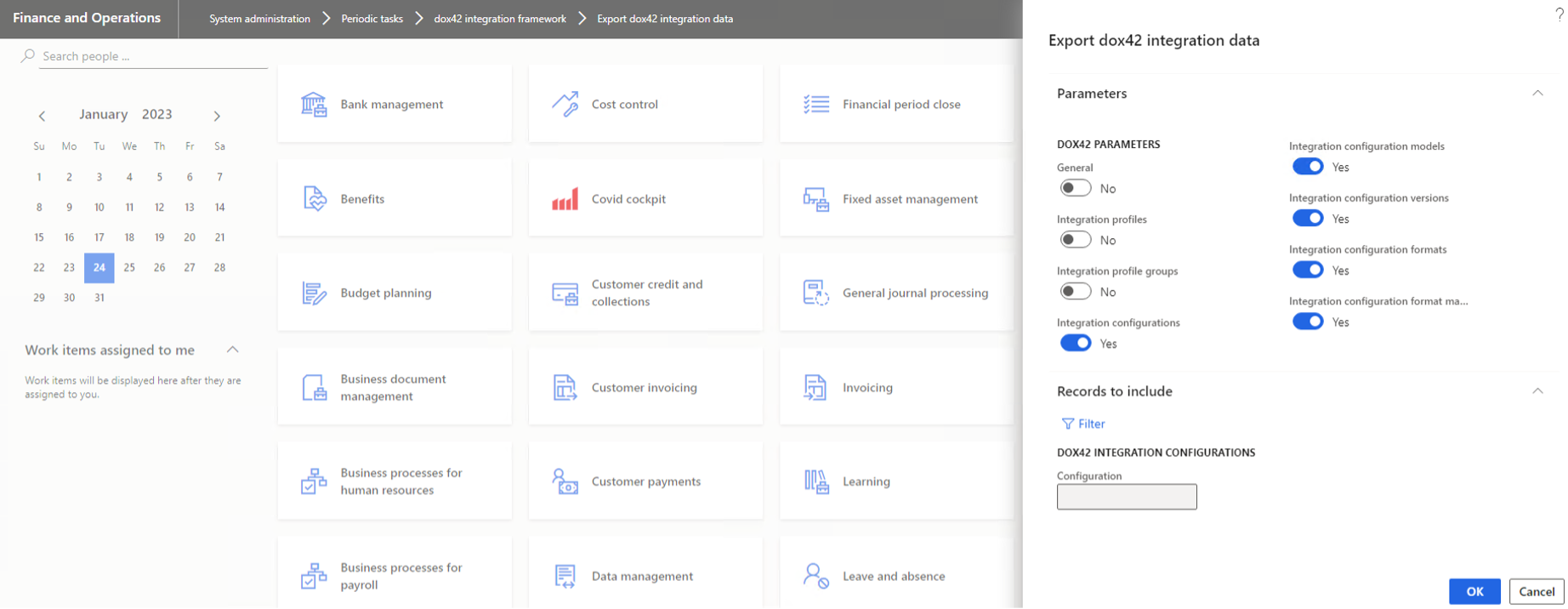
Export dox42 integration data
A file with the settings will be created.
In the prod environment got to System administration > Periodic tasks > dox42 integration framework > Import dox42 integration data and import settings from the file.
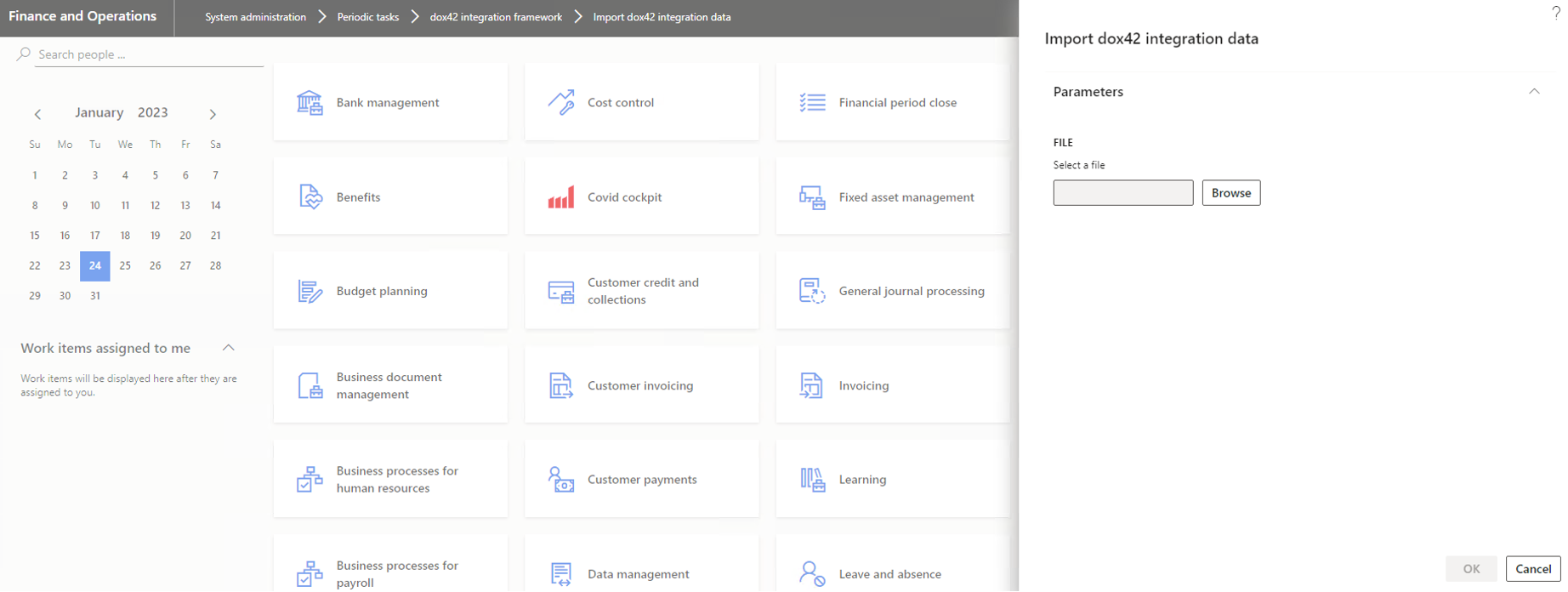
Import dox42 integration data