This Output Action saves generated documents to D365 CE as an annotation of an entity. For example, you can attach a generated offer document as an annotation to the corresponding offer in D365 CE.
Parameters
The parameter names of the Output Actions are not case-sensitive. All parameter names may contain data fields (exceptions are described in the relevant parameters).
Example: FileName = "Application_<%Citizen.Name%>.pdf"
Parameter | Requirement | Description |
|---|---|---|
| mandatory |
|
| optional | For D365 CE on-prem only: If you use a D365 CE data source with Entra ID in your document, you may omit the credentials to use Entra ID authentication. |
| optional | For D365 CE on-prem only: If you use a D365 CE data source with Entra ID in your document, you may omit the credentials to use Entra ID authentication. |
| optional | To impersonate a different user. This is only possible together with Username/Password set. |
| mandatory | Defines the document’s file name. Example:
The extension will define the file format (.docx, .xlsx, .pptx, .pdf, .html, …). |
| mandatory | Contains the type of the entity you want to attach the document. Example: |
| mandatory | Contains the id of the entity you want to attach the document. Example: |
| optional | Contains the subject of the annotation. You may use other data fields to create a dynamic subject (=Title). Example: |
| optional | You may use other data fields to create a dynamic description. Example: |
| optional |
|
| optional | Contains the e-mail sender for a CRM e-mail, can be a |
| optional | Contains the e-mail receiver for a CRM e-mail, can be a |
| optional | Contains the subject of the CRM e-mail. |
| optional | Contains the body text of the CRM e-mail. |
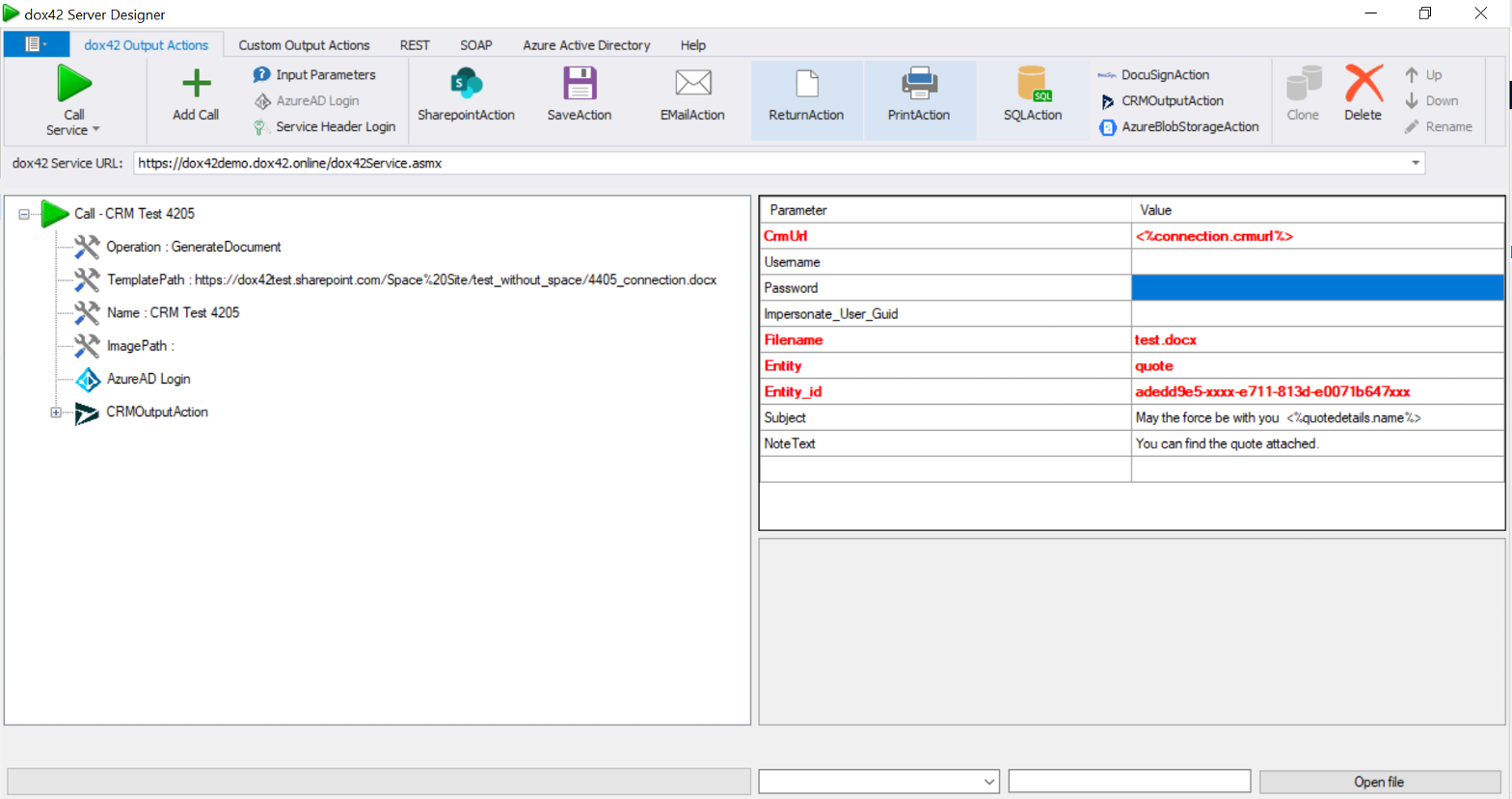
Server Designer interface displaying parameters and values for a connection setup