Documentation Index

Fetch the complete documentation index at: https://help.dox42.com/llms.txt

Use this file to discover all available pages before exploring further.

Installing the dox42 App for d.velop

Prev Next

Steps

  1. Log in to my d.velop cloud.

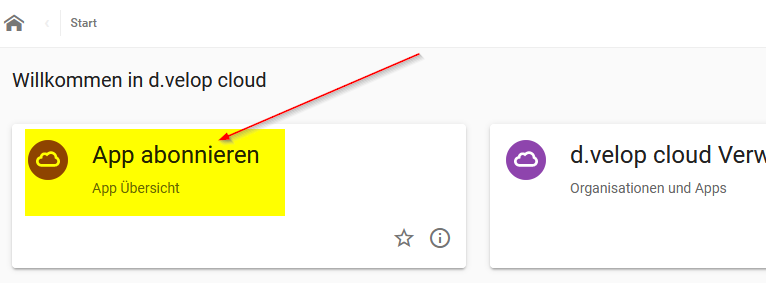
  2. Select Subscribe to App (App abonnieren).

    A screenshot of a computer  Description automatically generated

    Subscribe to app tile in d.velop documents

  3. Search for the app alpin-dox42 via the app filter.
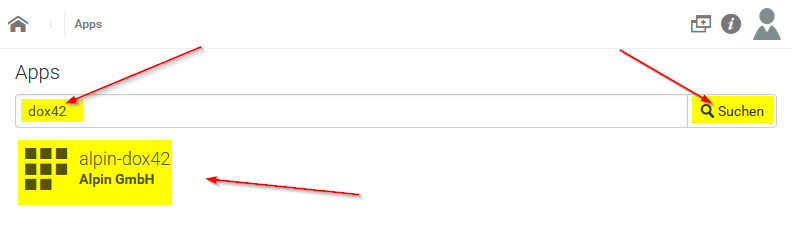
    A red line with a point  Description automatically generated with medium confidence

    Search bar in d.velop documents

  4. Select Book Now (“Jetzt buchen”) to add the app to your d.velop documents.
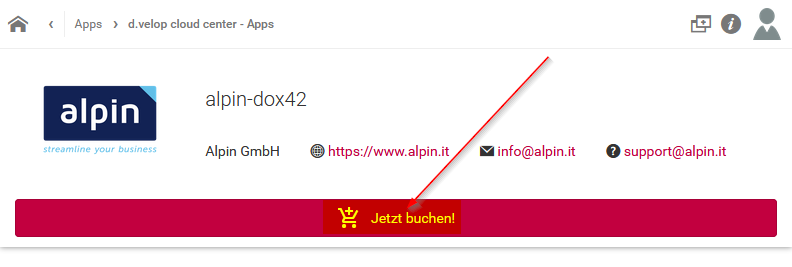
    A screenshot of a computer  Description automatically generated

    Book the app button in d.velop documents

  5. Confirm the payment obligation (“Zahlungspflichtig bestellen”).
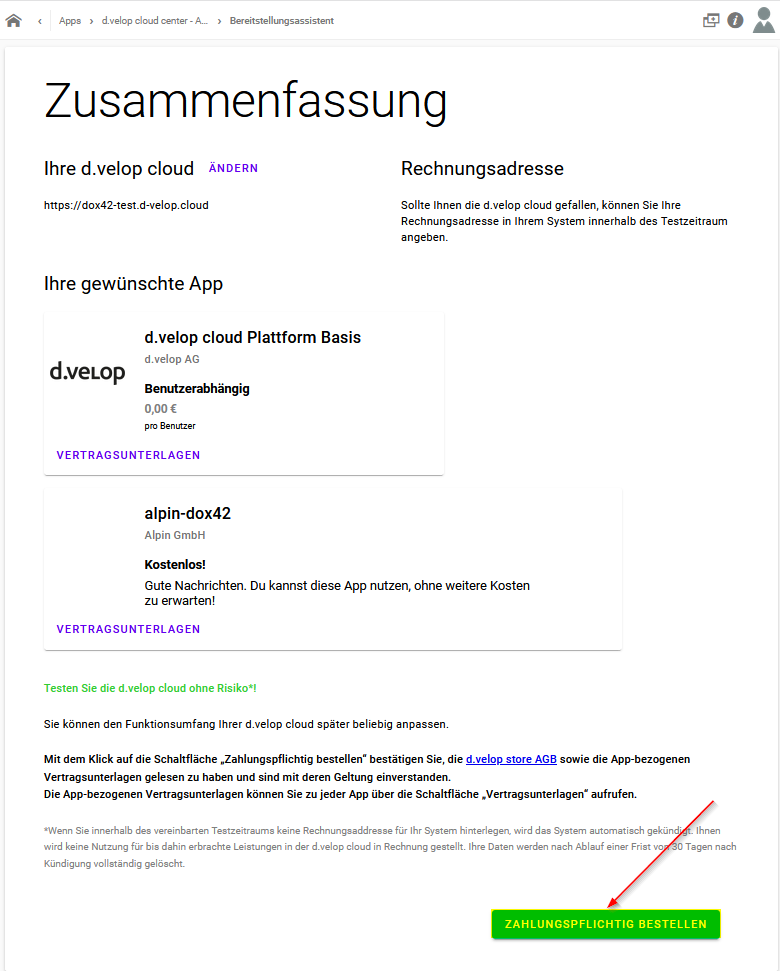
    A screenshot of a computer  Description automatically generated

    Payment confirmation in d.velop documents

Result

After a confirmation, you will receive a notification that the app is ready for use.
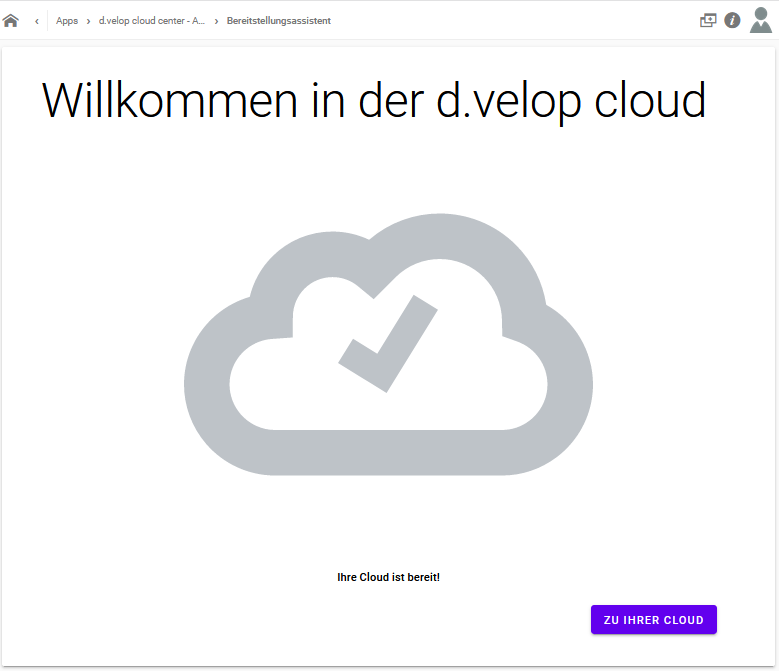
Welcome message for d.velop cloud with a confirmation checkmark and action button.

Welcome screen of the d.velop cloud

In our cloud, we can now find the Alpin dox42 Tasks tile:
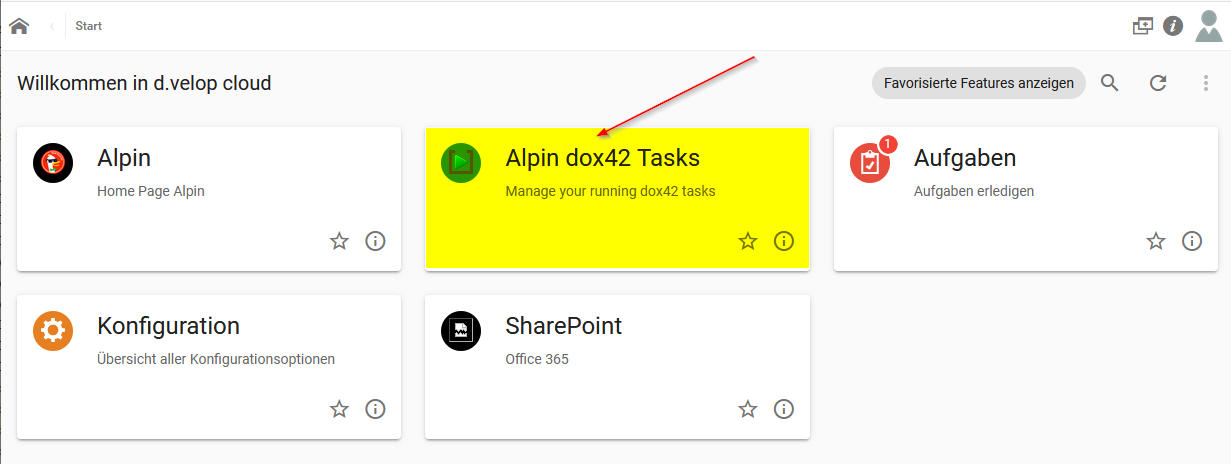
Welcome screen of d.velop cloud with highlighted Alpin dox42 Tasks option.

Start page of the d.velop cloud

© dox42 2026. All rights reserved.