When designing an Excel template you can easily test the outcome directly from Excel.
Prerequisite
Steps
Open your Excel template.
Go to the dox42 ribbon and select Generate.

dox42 ribbon in Microsoft Excel
Depending on your configuration, an input parameter dialog might open.
Optional: Select or enter a value for the input parameter and select Generate.
The dox42 Excel Add-in works differently from the Word and PowerPoint Add-ins.
In Excel, the datamap (.dm) is the central element: it contains the reference to the Excel template (.xlsx), which is defined in the Excel data source. Unlike Word and PowerPoint, the template itself does not store the datamap information.
Because of this design:
When opening an Excel template manually, the datamap must be selected again.
When generating Excel files via a dox42 Service call (e.g. from Dynamics 365 F&O), the
TemplatePathmust point to the .dm file, not to the .xlsx file.This behavior is expected and specific to the Excel Add-in.
Result
You have generated a test document.
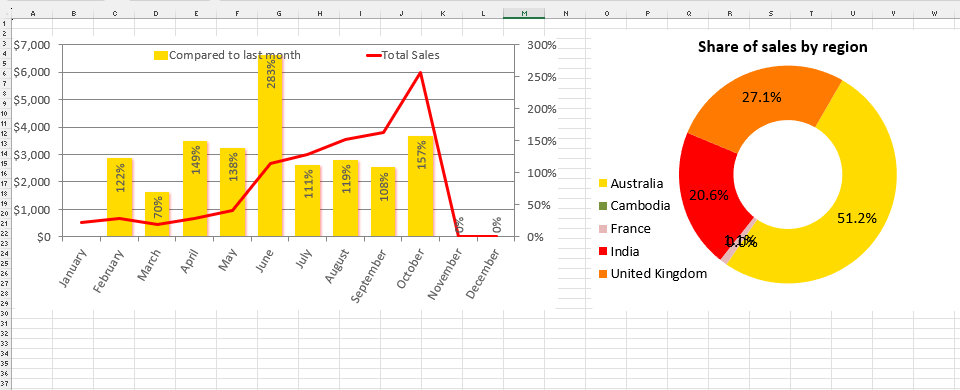
Generated Excel document