You can repeat a data field in a text box for all rows in the data source. For instance, you could create a bullet list with all the employees’ names.
Steps
Open your PowerPoint template.
Create a text box and insert the desired data field.
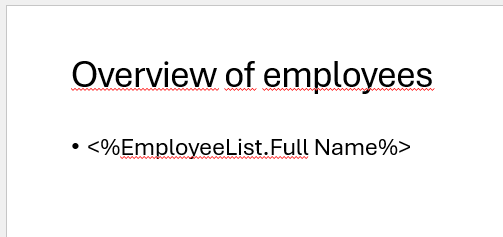
Example: List item with selected data field
In the dox42 Data Fields pane select the Loop within Textbox checkbox.
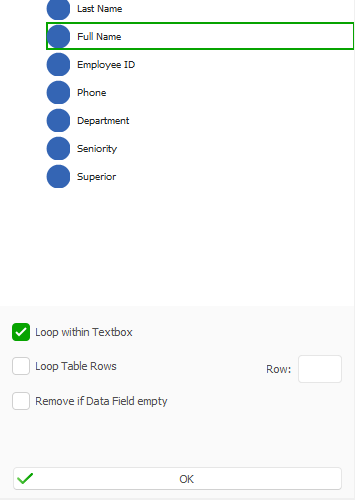
dox42 Data Fields pane
Select OK.
The data field in the template includes an asterisk (*).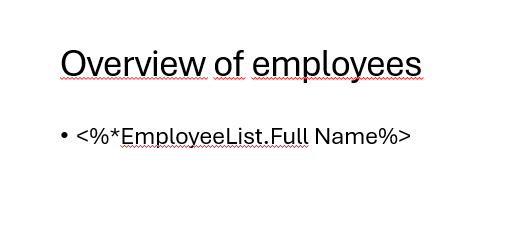
Example: Data field with configured loop within text box
Save the PowerPoint template.
Result
You have configured a repeating data field in a text box. When you generate the document, the list item will be repeated for every row in the data source.
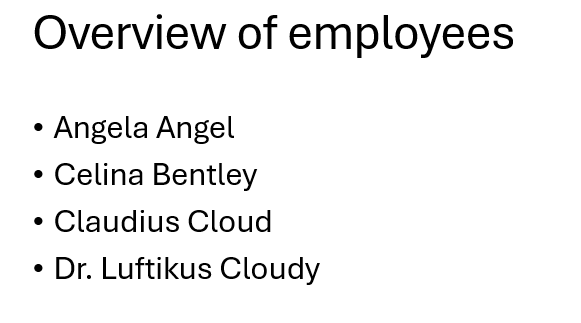
Example: Generated list of employees