In this step, you will fetch available data entities from your connected SAP OData server. This action retrieves the structure of the data exposed by the OData service, allowing you to select specific entities for further use in your document or report.
Prerequisites
Successfully connected to an OData server/endpoint.
Steps
Fetch entities from the SAP Server via OData.
After successfully connecting to your SAP OData server, select the Fetching Entities… button on the Configuration tab. A progress bar will appear to indicate that the data is loading. Once the progress bar disappears, the data has been successfully loaded.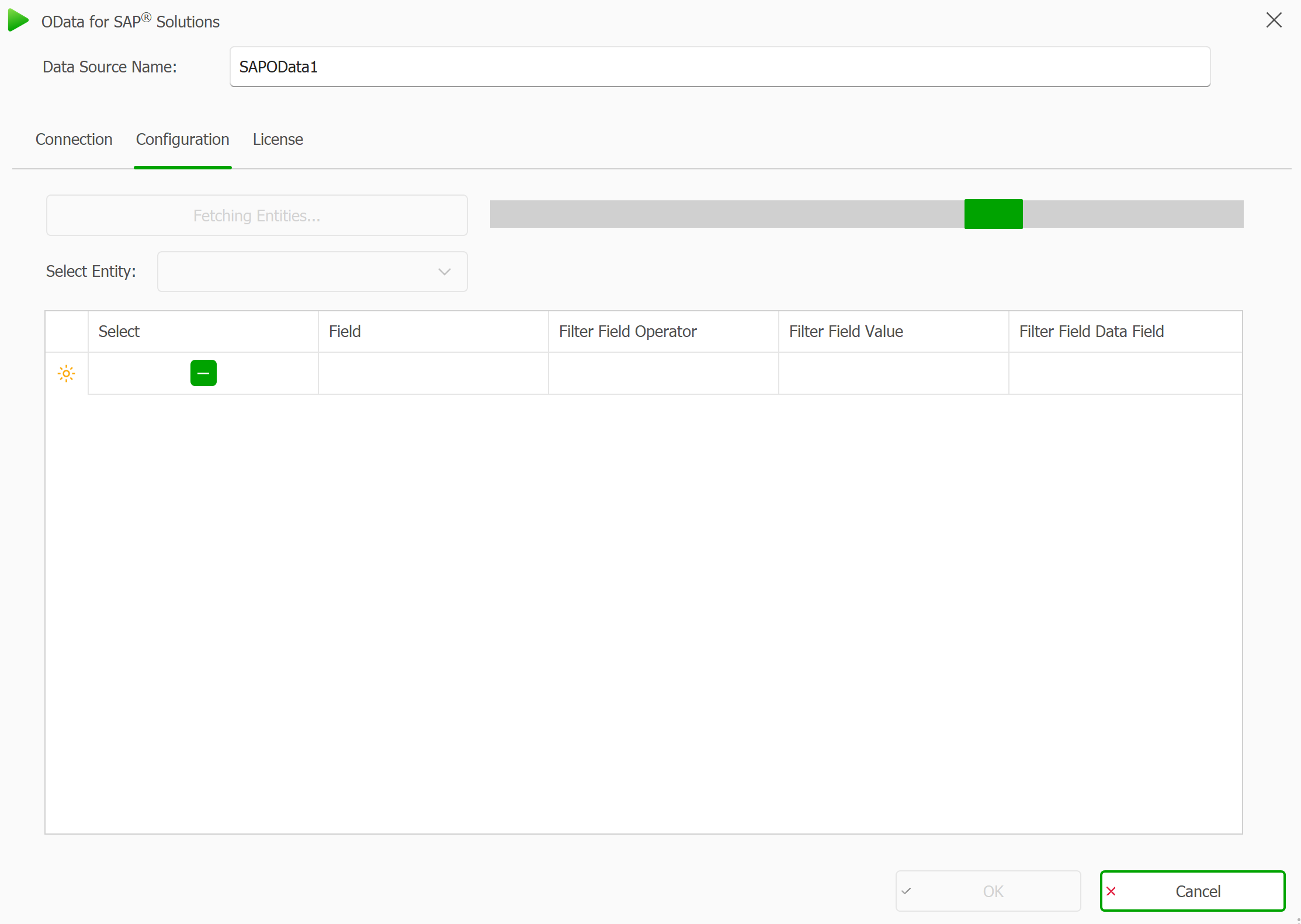
OData for SAP data source fetching the data from the server
Connection failed? Possible causes
If the connection to the SAP system fails, an error pop-up will show up with the error message. It could be due to one of the following reasons:
Connection Error:
The application could not reach the SAP server. This usually indicates that the SAP Gateway URL is incorrect, the server is offline, or network access is blocked.Server Error (e.g., 400, 401, 403):
The SAP server was reached, but it rejected the request. This may happen if:Your username or password is incorrect (401 Unauthorized)
The request is malformed or incomplete (400 Bad Request)
You do not have permission to access the requested resource (403 Forbidden)
Select an entity from the drop-down menu.
From the drop-down menu, choose the entity you want to work with. This list contains all available entities that could be retrieved and parsed into the system from your SAP OData service. Selecting an entity will load its structure into the table below.
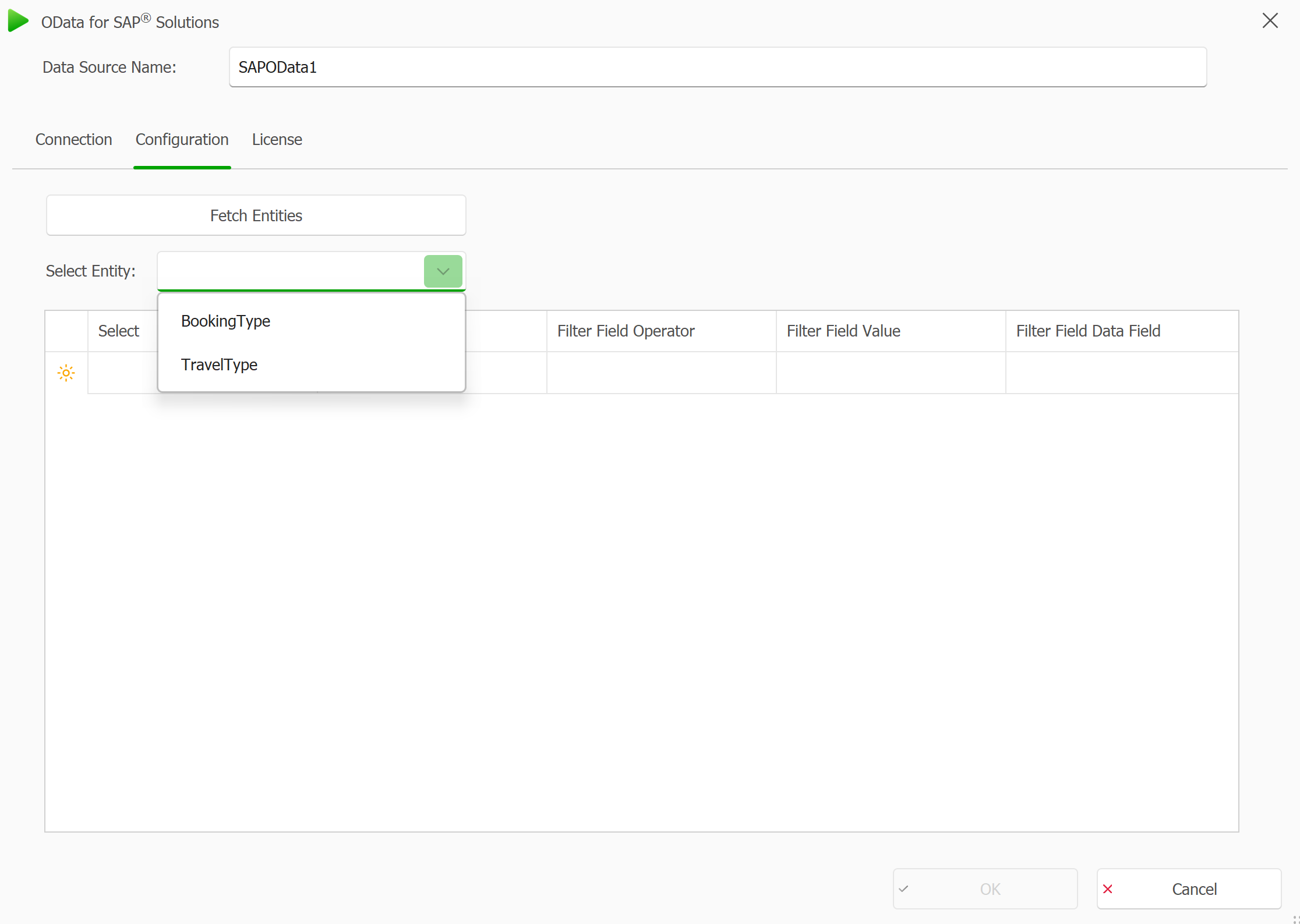
Drop-down menu in the Configuration tab showing all the parsed entities
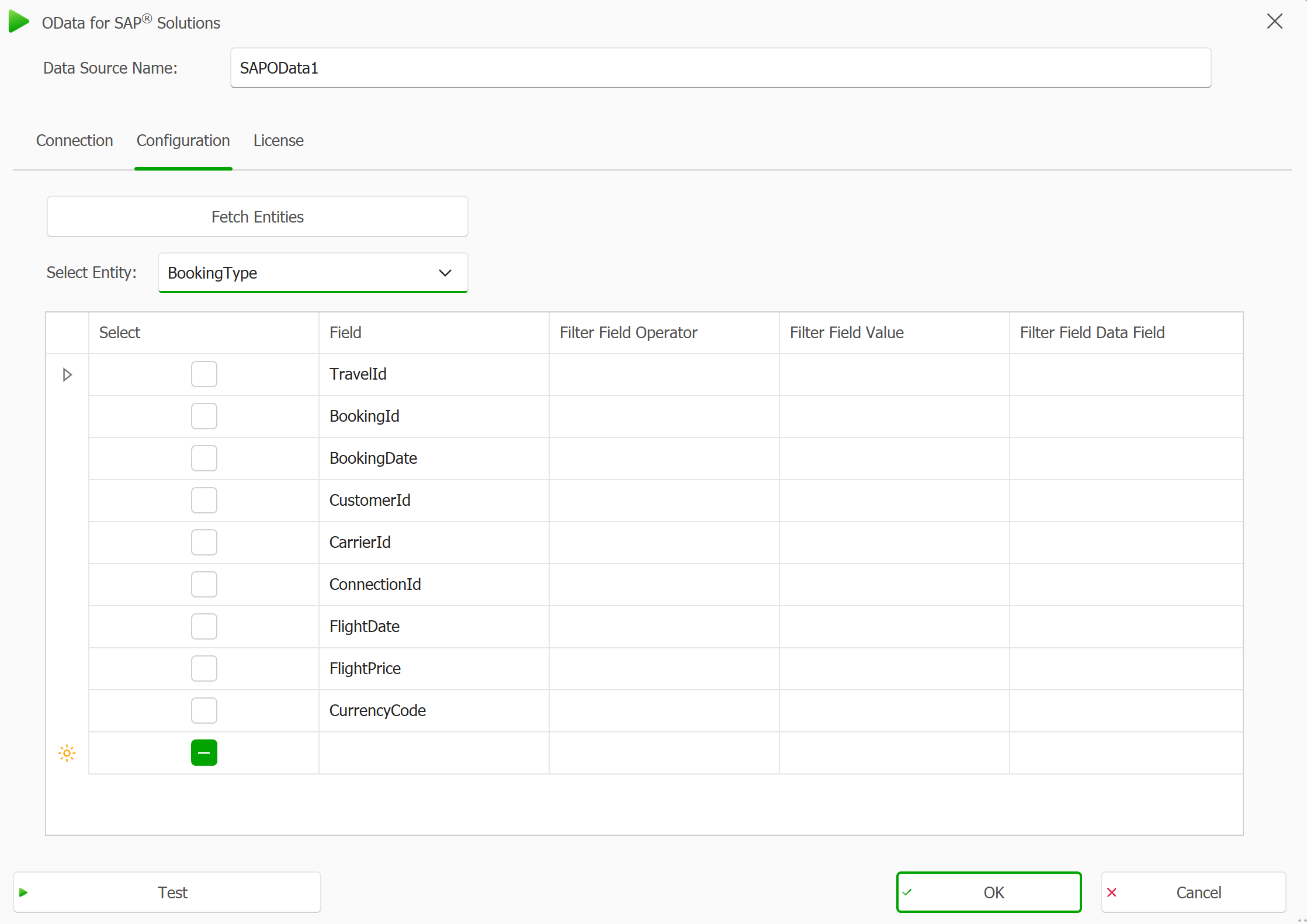
The BookingType Entity after we loaded its properties
(Optional) Test the selected entity.
Select the Test button in the bottom-left corner to preview the current result based on your selected entity. This step is optional and may take some time, depending on the complexity of the data and server response time. Use it to verify that the entity returns the expected structure and values before continuing.
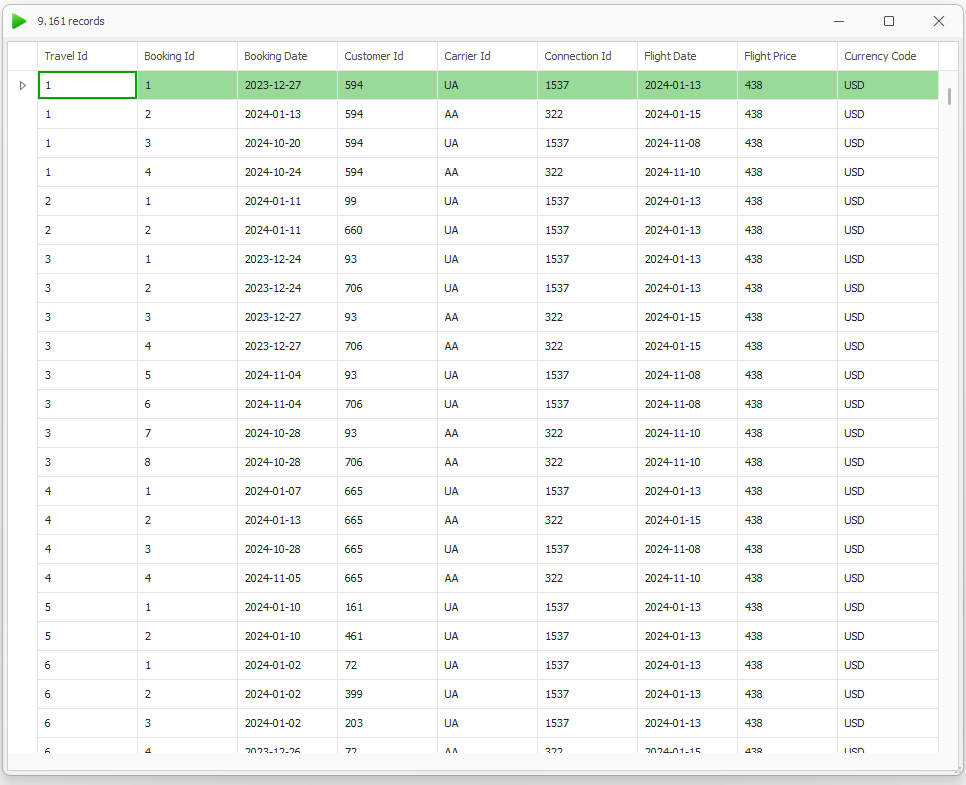
Booking Results of the test request
Result
You have now selected the entity from which you want to retrieve properties and view their results.